

How to Pay
Pay Bill Instructions with Storage3
To pay your storage unit bill please follow the following steps:
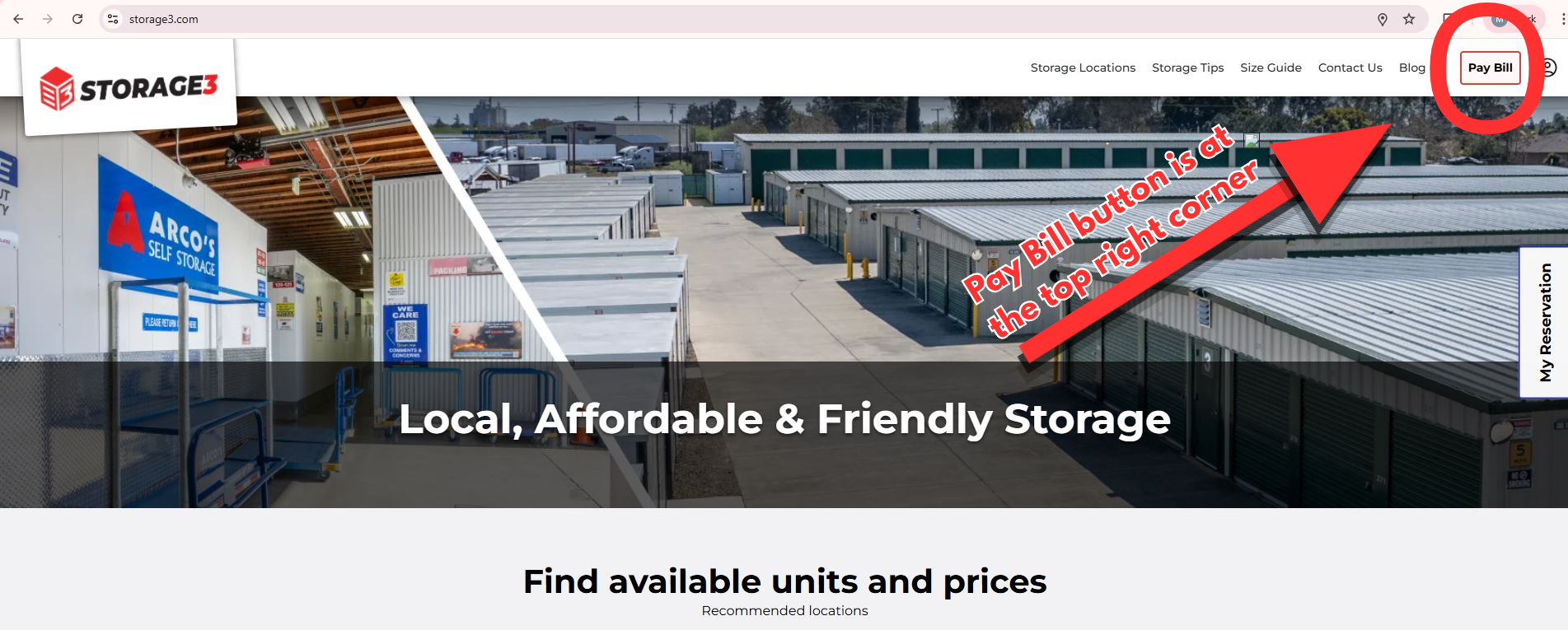
STEP 1: Go To https://Storage3.com
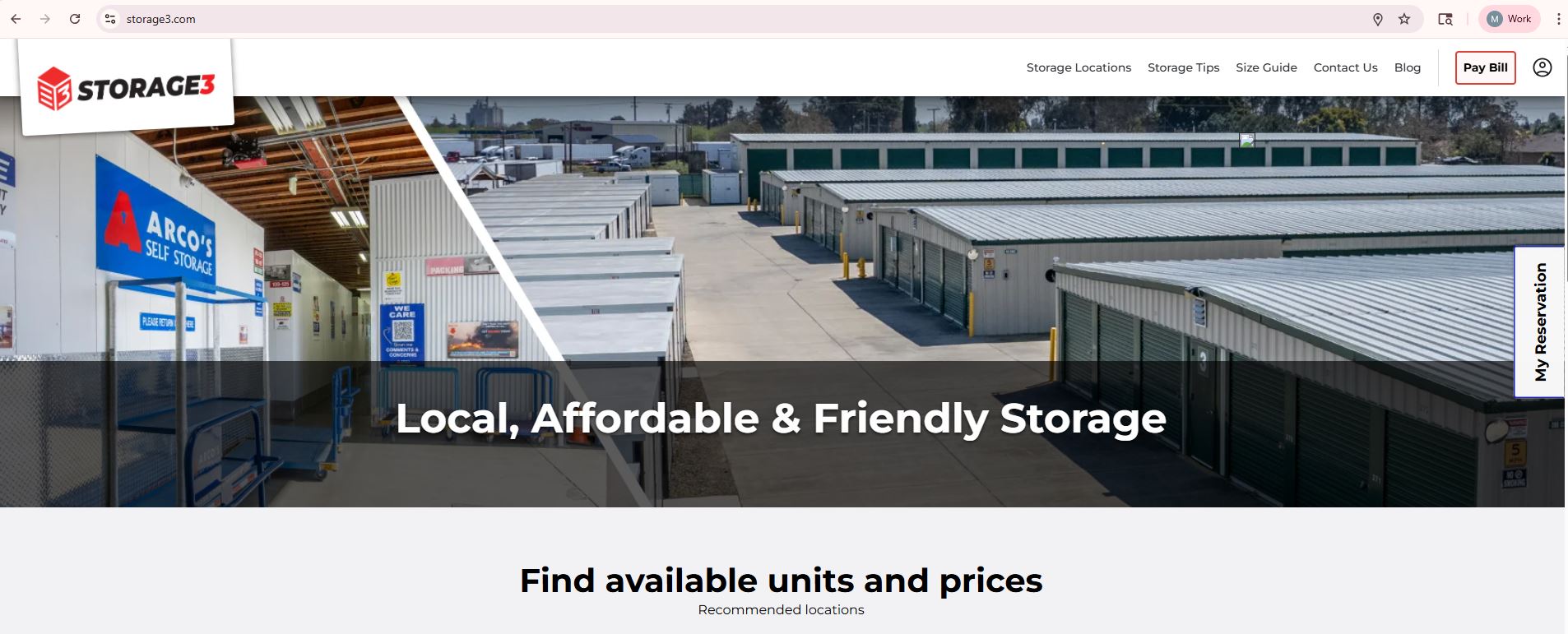
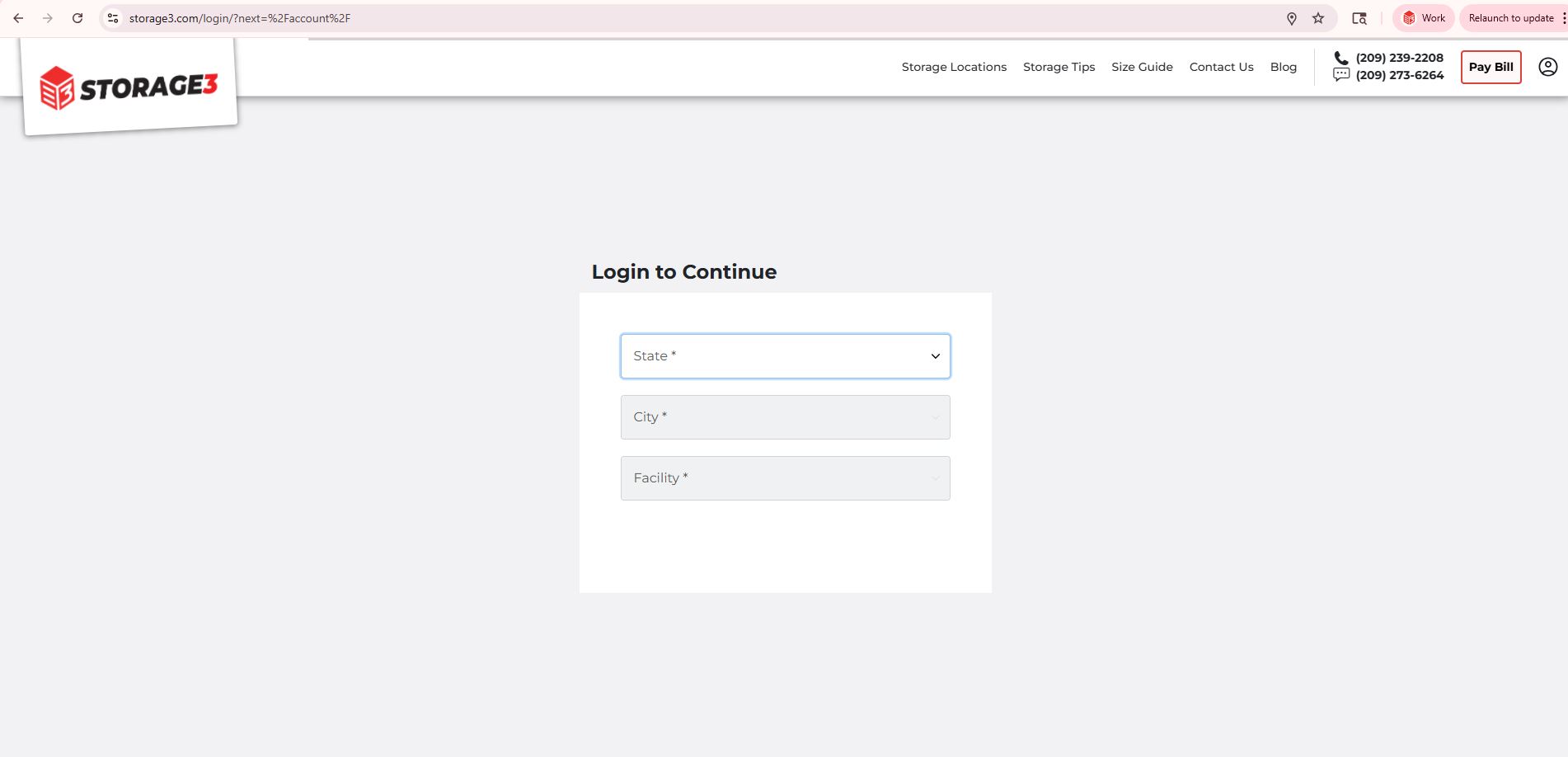
STEP 2: Click on the Pay Bill button in the top right corner or go to https://www.storage3.com/login.
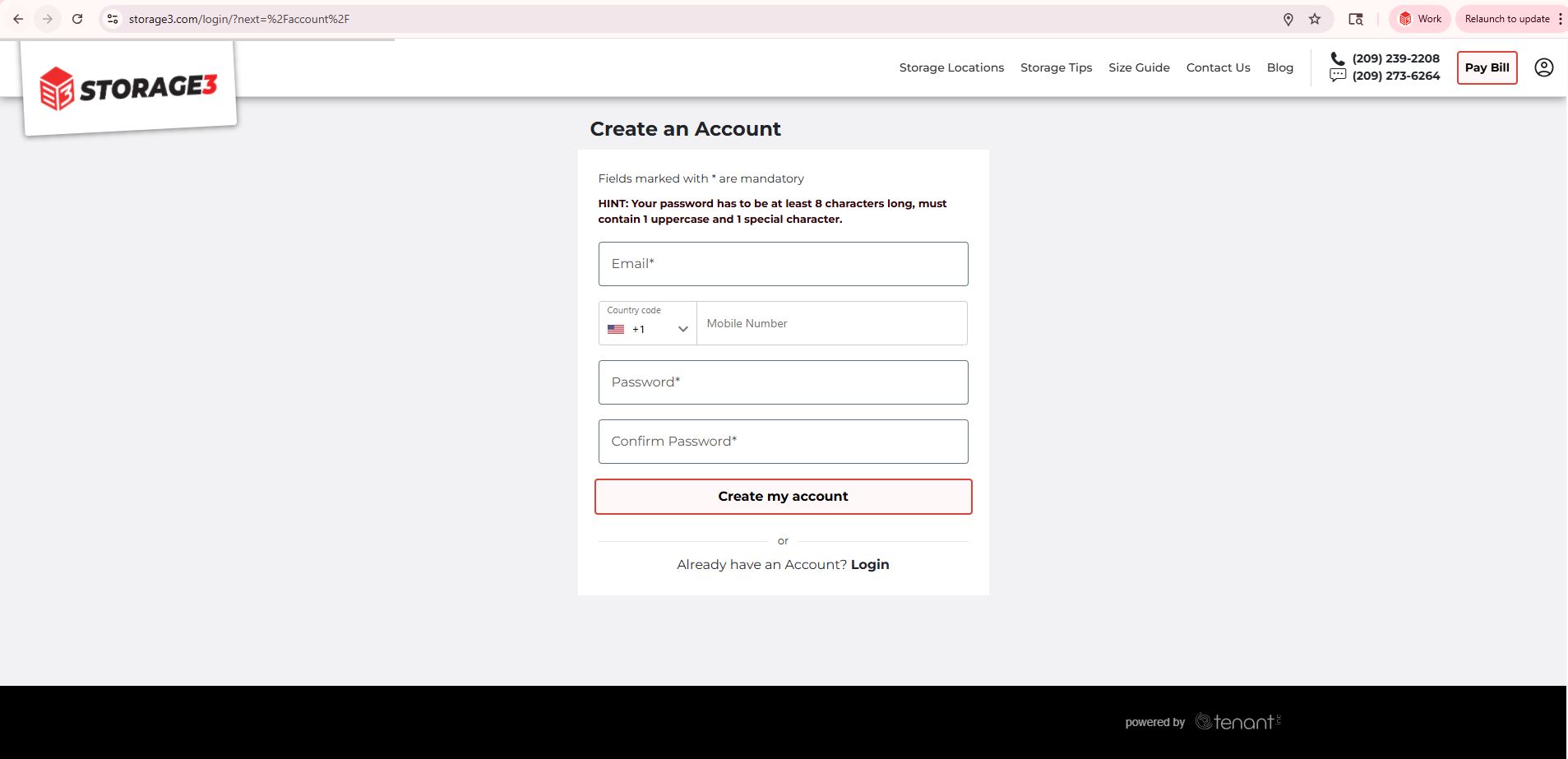
STEP 3: If you already have an account present, enter your email address and password. If you do not, please create an account by entering your email address and password.